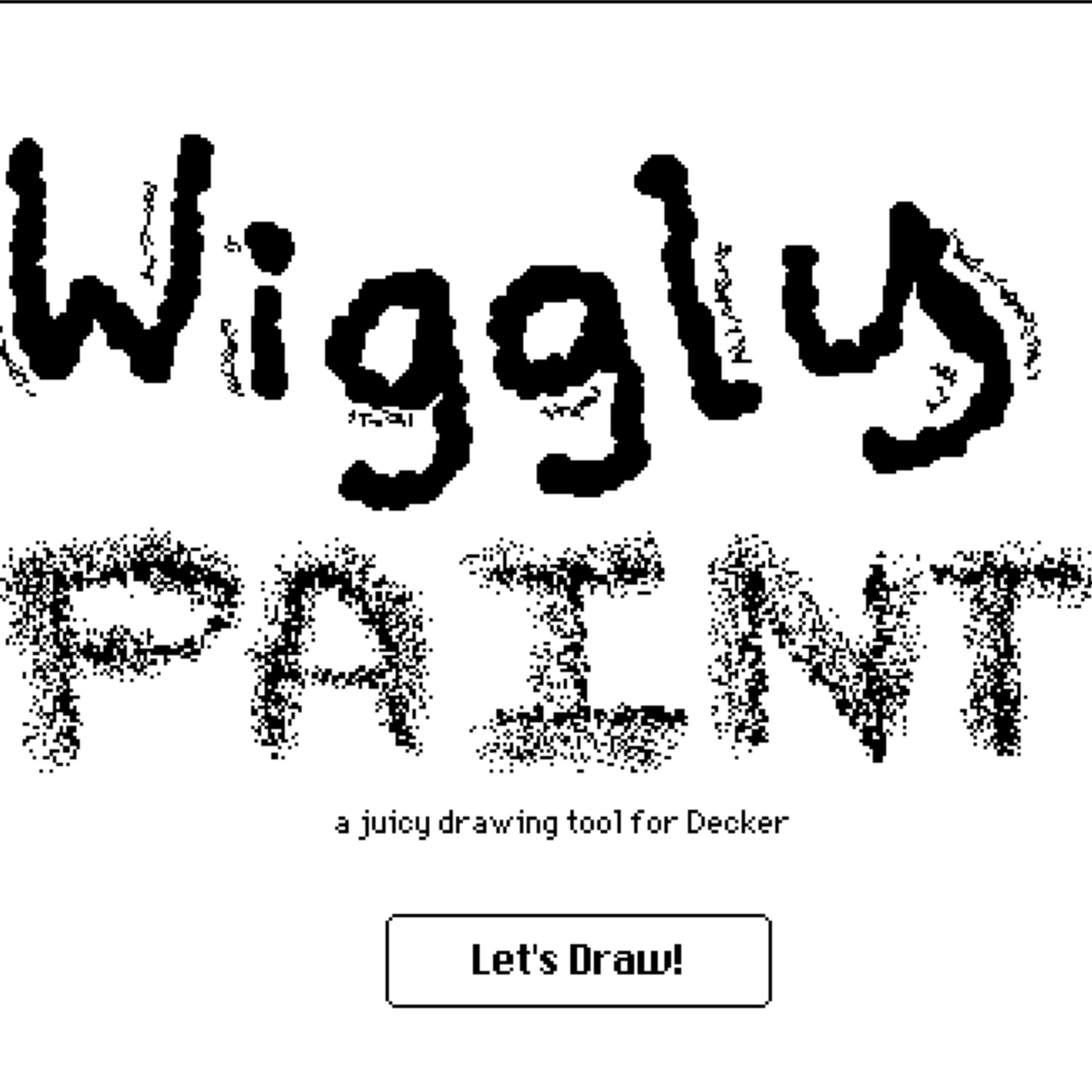
Wiggly Paint
A playful web drawing tool for making animated, wiggly line art and exporting it as GIFs.

About
Wiggly Paint is a browser-based drawing tool for making animated line art that moves as you draw. It lets you sketch with playful brushes, see real-time animation effects, and export your work as an animated GIF without installing anything or creating an account. The app is built for quick creative sessions, whether you want to make lively pixel art, experiment with motion-driven doodles, or share a small animated artwork with friends.
What is Wiggly Paint
Wiggly Paint is a web-based animation drawing app that turns simple brushstrokes into moving artwork. The core idea is straightforward: you draw in the browser, and the linework responds with wobble, flow, and other motion effects that make the image feel alive.
It is designed as a lightweight creative tool rather than a full professional illustration suite. Based on the site copy, the app focuses on fast, playful output: animated line art, pixel-style visuals, and shareable GIFs.
Key features
- 8 playful brushes: The app includes a small set of brush options, each with its own wobble or motion style.
- Real-time animation effects: Strokes animate as you draw, so you can see the motion immediately instead of applying effects later.
- Animated GIF export: Finished artwork can be exported as a GIF, which makes it easier to share on social platforms or in chats.
- No download required: It runs in the browser, so there is no desktop installation step.
- No signup required: You can start creating without making an account first.
- Kid-friendly interface: The site describes the experience as intuitive and colorful, with a safe, ad-free creative space.
- Fullscreen support: The site mentions a fullscreen mode for the drawing tool, which can help when you want more canvas space.
How to use it
- Open the website in a modern browser.
- Click the run button to launch the tool.
- Choose one of the available wiggly brushes.
- Draw on the canvas and watch the strokes animate in real time.
- Adjust your composition until the motion effect looks right.
- Export the result as an animated GIF when you want a shareable file.
- If you want a larger workspace, use fullscreen mode from the top-right control mentioned on the site.
The site also points to a gallery, blog, and feedback area, which suggests there are extra resources around the drawing experience, although the main workflow stays centered on sketching and exporting.
Who it is for
Wiggly Paint is a good fit for people who want quick, visual results without a steep learning curve.
- Casual creators who want a fun online drawing app for making motion-heavy doodles.
- Kids and families looking for a simple creative playground that does not require sign-in.
- Social media makers who want short animated GIF art for posts and messages.
- Designers and hobbyists exploring expressive line animation or pixel-art-style concepts.
- Teachers and workshops that need a browser activity with immediate feedback and minimal setup.
It is especially useful when the goal is playful animation rather than precision illustration, vector editing, or layered composition work.
What to know before you use it
Wiggly Paint is focused on a narrow type of output: animated brush art. It is not presented as a general-purpose editor, so do not expect advanced image retouching, layer management, or professional export formats beyond GIF from the available site copy.
A few practical limits are worth noting:
- The public material confirms 8 brushes, but it does not list every brush name or control in detail.
- The site mentions real-time effects, but it does not explain the underlying animation settings or whether you can fine-tune motion parameters.
- The tool is browser-based, yet the exact browser and device support is not specified in the source text.
- The app appears to be free to access, but a formal pricing page or plan breakdown is not provided in the harvested material.
- For tasks that depend on exact image fidelity, archiving, or print-ready output, an official design tool or source file format may be a better choice than an animated GIF export.
- If you need authoritative details on file limits, terms, or feature availability, check the official site rather than relying on this summary.
Used for the right job, Wiggly Paint is a fast way to make motion art in the browser and turn a simple sketch into a shareable animated GIF.
FAQ
Is Wiggly Paint free to use?
The site indicates you can use Wiggly Paint without a download or signup, but it does not publish a formal pricing page in the material provided. That makes the cost structure unknown from the source alone.
What platform does Wiggly Paint run on?
Wiggly Paint runs in the web browser. The harvested source does not list desktop, mobile, or extension versions.
Can I export my artwork from Wiggly Paint?
Yes, you can export animated GIFs. The source specifically highlights GIF creation as part of the workflow for sharing moving artwork.
How many brushes are available in Wiggly Paint?
Wiggly Paint includes 8 playful brushes. The source does not provide the full brush-by-brush list, only that each has its own wobble effect or style.
Who is Wiggly Paint best suited for?
It is best suited for people who want quick animated doodles or playful motion art. The simple setup and colorful interface also make it a reasonable fit for kids and casual creators.